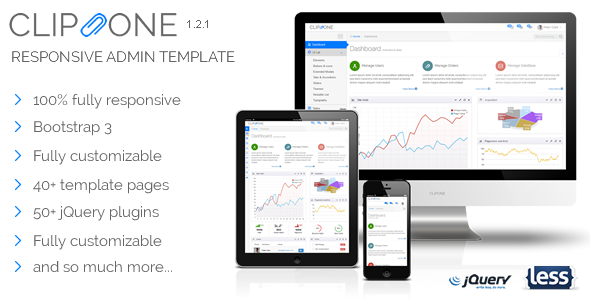
Magazine is a clean and responsive multipurpose WordPress theme. It has very rich contents in the homepage. They can be grouped under categories or post types. Every news item has representative image thumbnail. So, your site will visually great.

Though the Magazine theme is very easy to install, we are offering one time free installation service to each buyer. Surely, we do not underestimate your WordPress skills or you are a first time WordPress user because we know your time is more important than anything. Let our hands dirty and you can take your time doing other tasks. More than that, we do not want you get difficulties starting a site with Magazine theme. After you purchase, make a request soon to support@puriwp.com. If you prefer do it yourself, you should read the theme documentation at first.
Buyers Testimonials
Rated 5 Star, I’m also writing an email to the themeforest folks, to let them know about your professional support, and patience. You deserve a lot of credit! Abi Saifi
Thanks so much. This installation service saves me so much time, as each theme has it’s own features and it can take me time to master it. Great flexible theme by the way. Amanda Lawton
I just bought the Magazine wordpress theme on Themeforest.net . You guys did an awesome job on the theme; it looks great. Thanks a lot for what you do and for the great theme. Timothy Kaemmerer
Thanks for making such a awesome theme. Bashir Naimy
Your designs are really beautiful and one of the greatest iv’e seen! Dror Marom
WooCommerce Integration

Magazine supports Woocommerce plugin, the most popular and easy to use e-commerce plugin in the planet. It enables you to increase your revenue stream by selling products. You can simply combine e-magazine and e-commerce or setup your site as an online store only.
Magazine Key Features

Complete List of Features
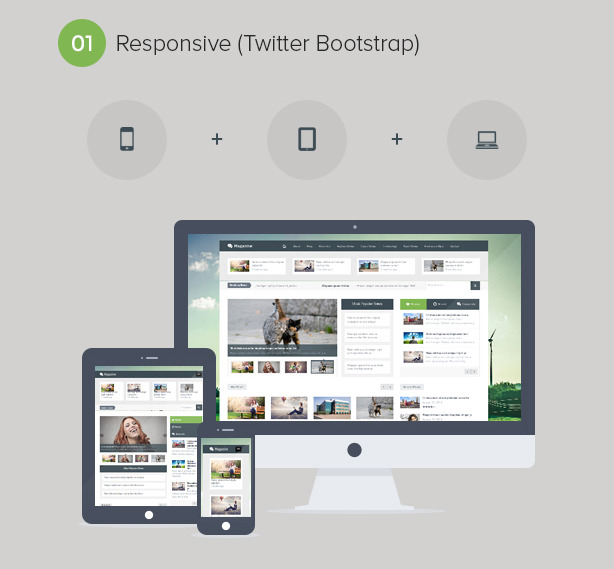
- Full Responsive with Twitter Bootstrap
Magazine theme is responsive design ready using fluid layout by the most popular responsive framework, Twitter Bootstrap. Magazine layout will adjust on any various screen’s devices (desktop, iPad, iPhone or any other smartphone). - Live Search with AJAX
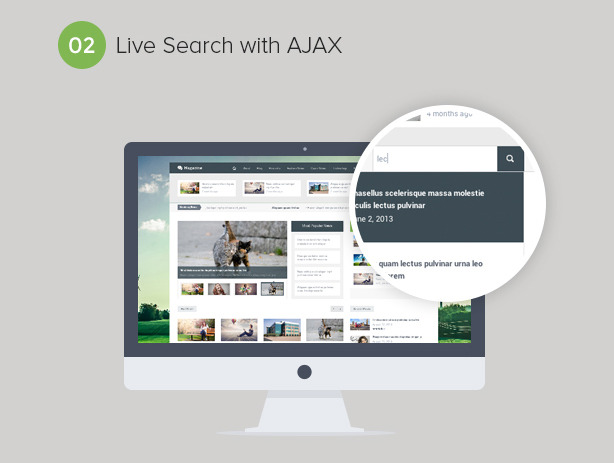
Magazine theme supports live search with AJAX optimized. This feature make your website more intuitive and unique because visitors can see the search result without loading the search result page. - Unlimited Colors
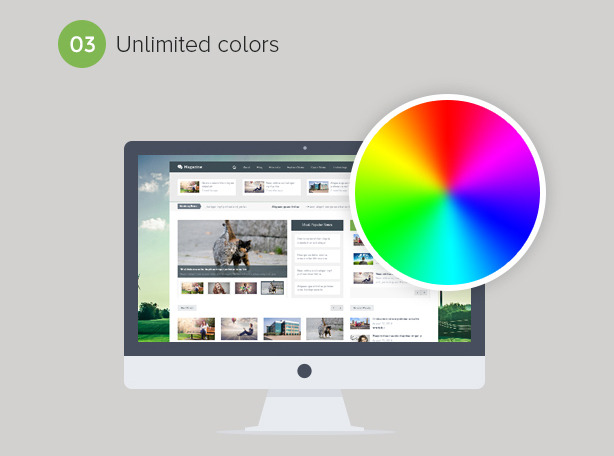
We know that our users have difference color preference including you. Magazine theme comes with unlimited custom colors to select. Selecting color is very easy by using color picker or typing the hex code. - Unlimited Google Fonts
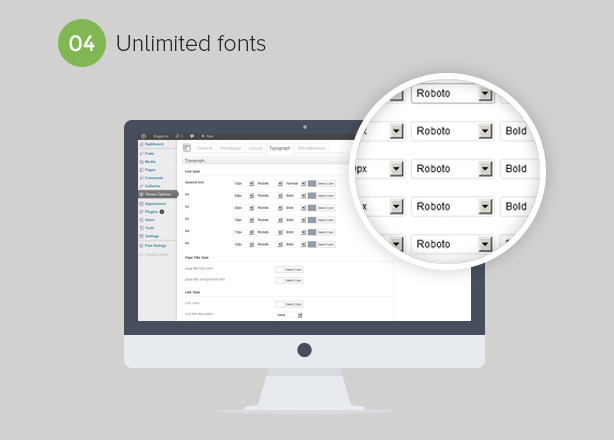
Google fonts change the old-school font on a web page. We don’t want to lose this awesomeness. Magazine theme comes with unlimited font family powered by Google Fonts. You can select the best font based on your preference. - WooCommerce integration
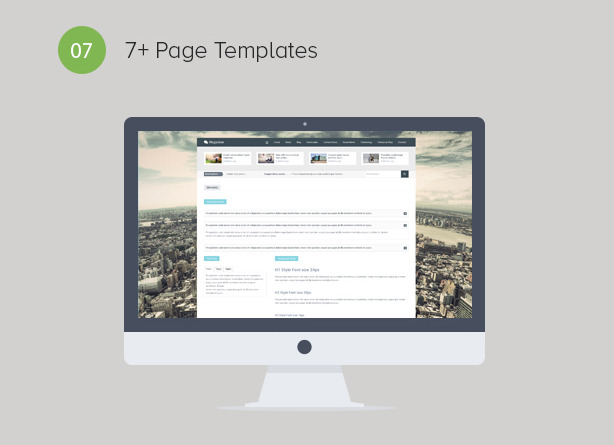
- 7+ Page Templates
Magazine theme has 7+ page templates which can be used as homepage templates or other page needed.- Blog
- Contact
- Default
- Error 404
- Full Width
- Galleries – 2 Columns
- Galleries – 3 Columns
- Galleries – 4 Columns
- Magazine 1
- Magazine 2
- 8+ Custom Widgets
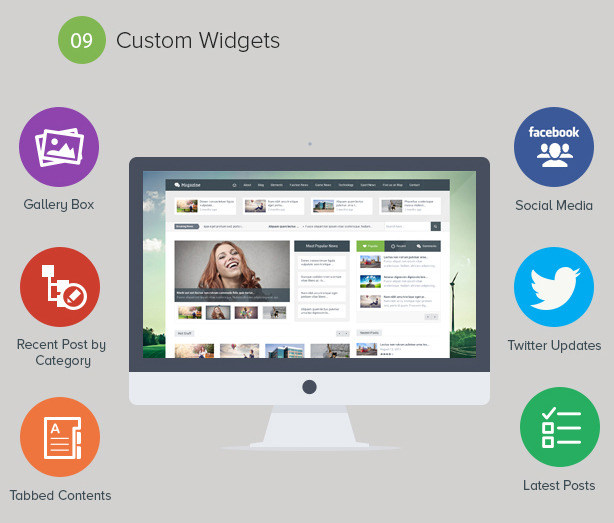
Magazine theme has 8+ custom widgets which can be displayed in the sidebar by drag and drop just like the WordPress native widgets.- Gallery Box
- Recent Post by Category
- Social Media
- Tabbed Contents
- Latest Posts
- Related Posts
- Twitter Updates
- Contact
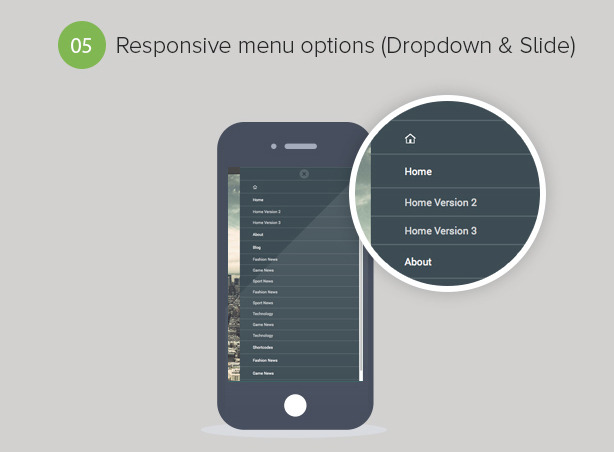
- 2 Responsive Menu Options (Dropdown & Slide)
You can choose the default dropdown responsive menu or alternative slide responsive menu which give better impression when viewing your website from your visitor gadgets. - Responsive Google Adsense
Magazine theme comes with responsive Google Adsense feature. The ads size will automatically adjust and fit in any screens (tablets or smartphones). It is good for ads visibilty, so it will lead call action to click. Since webs are consumed in any various screens, why not to use this feature? - Video Thumbnail Generator
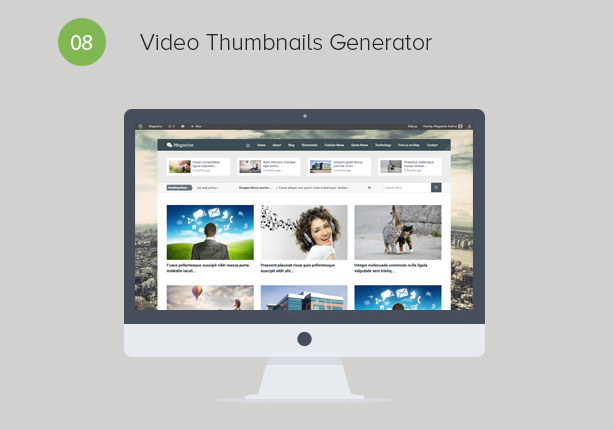
The Magazine theme will automatically generate featured image for your video posts so you don’t have to waste your time to create it manually. - Multi Language Translation Ready
Do you want your site speaks your languange? Magazine theme is translation ready. Just simply translating the .po file provided in the theme package (in the ‘language’ directory) using the PO Editor. - RTL (Right To Left) Layout Support
- Export/import Feature for Theme Options
- Custom Sidebars
Sidebar manager feature brings you flexibility to display different widgets in every page, post, or archive page. It makes your site has rich content. - Built-in Social Network Share Buttons
Both site’s administrator and visitors can easily share the useful informations from your site into the most famous social media (Facebook, Twitter, Google+, LinkedIn and Pinterest). It increases the site’s visibility in social networking sites. So it can leads more traffic. - Facebook Comment System
Magazine is Facebook Comments plugin ready. So you can easily change the default WordPress comment system into more social-friendly one. Let your users leave comments using their Facebook accounts. - Rating System
This feature lets your site’s reader to give a direct feedback in a symbolic form (star). This feature may engage reading experience. The highest rating must be the most worth to read. - News Ticker
There are always important news or information to read everyday, but sometimes readers lose that news just because do not know where the link located in. Do not let kinda this thing happened. Serving news or information in news ticker is a good way to quickly grap their attention. - Slider Content
Since jQuery invention and large use of it. jQuery is very powerful script building attractive slider. Magazine theme has very attractive slider which will catch your customers attention quickly by serving links in big image thumbnail and smooth sliding animation. - Single Post Gallery Slider
- HTML 5 & CSS3 Optimized
- Custom Image Banner Ads
This feature makes you easy to place image banner ads. You can place an affiliate or referal links in form of eye-cathing images. - Latest WP Compatible
Having latest version of WordPress installation makes your site better both in WP features and security. We are aware of this. Our theme compatible on latest WordPress 3.7.1 - Custom Color Categories
In homepage there are many news under category. You can change their head’s color or background very easy via theme oprions or widget settings. - Headline News Section
You can assign what news are in headline today. Headline news section is locared under main navigation. So your reader will be very easy to find them. - 940px grid system by Twitter Bootstrap
Magazine theme build under Twitter Bootstrap responsive framework with 940px width of container. - Shortcodes
You can add special contents: title, alert box, button, column, tabbed content, toggled content, and contact form in one click using this custom shortcodes with no confuse of writing HTML/CSS. - Custom CSS Box
This box is available in Theme Options, you can put CSS script to make specific style of element’s IDs or classes. - Custom Background
You can set an image as your site’s background. You can select the image background position or style very easy through theme options. - Custom Logo (header & footer)
We know that a magazine site must have their own logo as their graphical identity in the crowd. Magazine theme provides an easy way to display custom logo in header or footer. - Custom Footer Text/Copyright
You can define your own footer text or copyright notice in site’s footer very easy via theme options. - Custom Post Excerpt
Magazine theme provides custom lenght of excerpt. You can specify it in theme options. - Custom Post Types
Magazine theme has special content (Galleries post type) in different group of posts. It makes your site has rich content. - Built-in Contact Form
Visitors can contact you directly via contact form. You do not need to use any plugin to make a contact form that works. Magazine theme has already had this for you. - Google Maps Integration
Showing Google Map address is easy, you do not need the Google Map embed code. Just type your location name. Example: Melbourne, Victoria, Australia. Then, it will automatically display Google Map address. - Semantic and SEO Friendly Markup
SEO is one of the important points for your site visibility in search result in search Engine. Our theme is build using SEO friendly approach. We put heading tag properly, implement alt tag for images, and etc. - Built-in SEO
SEO feature is a good approach for site recognition in the search engine. You can set up meta description and meta keywords easily from Theme Options, then your site is SEO friendly. - Built-in Google Analytics
You can insert site’s tracking code by Google Analytics or other by simply paste it in the field provided in the Theme Options. You don’t need to open template files to do this. - Theme Options
It enables you to manage your site with no pain. Some informations displayed in the front-page are managed from here. Here you can set up the custom logo, favicon, category news, font family, SEO settings, analytics code, Google Map Address, etc. - Dummy Content
Magazine theme package includes an XML dummy content. After installation you can import it as an example. So will easy to create your own content. - Custom 404 page
Online Theme Documentation
Magazine theme comes with a well documented theme documentation. It is a help resource for you to manage your website easily using Magazine theme and make your site looks similar with our demo site.
Lifetime Theme Updates and Support
We provide lifetime updates and support via direct email address support@puriwp.com. Feel free to make a request. We do replying all requests and trying to help everyone with what we can.
Do you have your own feature to add? Make a request to us here: support@puriwp.com
Scan the QR Code
Scan to view the theme directly on your iPad, iPhone or other mobile devices.
Credits
- Shutterstock Images
- Twitter Bootstrap
- ZillaShortcodes
- bxSlider
- Flexslider
- jQuery idTabs
- jPages
- simplyScroll
- html5shiv
- Options Framework Theme
- Responsive Google maps
Update History
Magazine version 1.3.1 – October 23, 2013
- Improved footer menu UI
- Added ordered list shortcode
- Added unordered list shortcode
- Added dropcap list shortcode
- Added table shortcode
- Added shop sidebar
- Fixed minor bug in WooCommerce feature
Magazine version 1.3 – October 21, 2013
- Added WooCommerce integration feature
- Fixed sticky post issue
Magazine version 1.2.3 – October 11, 2013
- Fixed prettyphoto lightbox
- Fixed header ads CSS bug
- Fixed UI in theme options
- Added image gallery thumbnail
- Added image gallery page
- Added image gallery to be shown in all pages
- Added space at each category name on meta post
- Added galleries page template
- Updated translation .po file
Magazine version 1.2.2 – October 6, 2013
- Added video thumbnail options
- Added 404 not found page
- Added mobile swipe menu
- Added AJAX search
- Added clickable parent menu in main menu
- Added post gallery image
Magazine version 1.2.1 – September 29, 2013
- Added new homepage template
- Added author info box after single entries
- Added author info option in theme options
- Added RTL style
- Added export/import feature in theme options
- Updated post meta box fields
- Fixed minor code bugs
- Re-ordered admin dashboard
Magazine version 1.2 – September 23, 2013
- Added translation ready (.po/.mo file)
- Added built-in social network sharer buttons
- Added sidebar manager
- Added archive pages
- Added related post widget instance
- Added Facebook comment feature
- Added single post featured image setting
- Fixed minor CSS bugs
Magazine version 1.1 – September 10, 2013
- Fixed minor CSS bugs
- Added responsive Google Adsense feature
- Added custom image banner ads feature
Magazine version 1.0.3 – September 7, 2013
- Fixed tag width on post meta
- Fixed page navigation
- Fixed tabbed content bug on non-homepage sidebar area
- Fixed contact form bug
- Fixed typography
- Improved bxslider initial
Magazine version 1.0.2 – September 5, 2013
- Fixed minor CSS bug
- Fixed minor bugs in home page template
- Improved custom background and color selection
- Fixed dropdown menu bug
- Fixed post author name meta in single post
- Fixed user page (back end) bug
- Improved flex slider initial
Magazine version 1.0.1 – August 31, 2013
- Fixed minor bugs in home page template
- Fixed minor CSS bug
Magazine version 1.0 – August 30, 2013
- Initial Release